The lessons are based on the latest version of Excel and will work well with all versions except for Excel for Mac 2013 and older versions.
This course is also available in Swedish: Excel Bas
Excel Essentials is a popular online course aimed at beginners or self-taught individuals in Excel who want to quickly become proficient in the program.
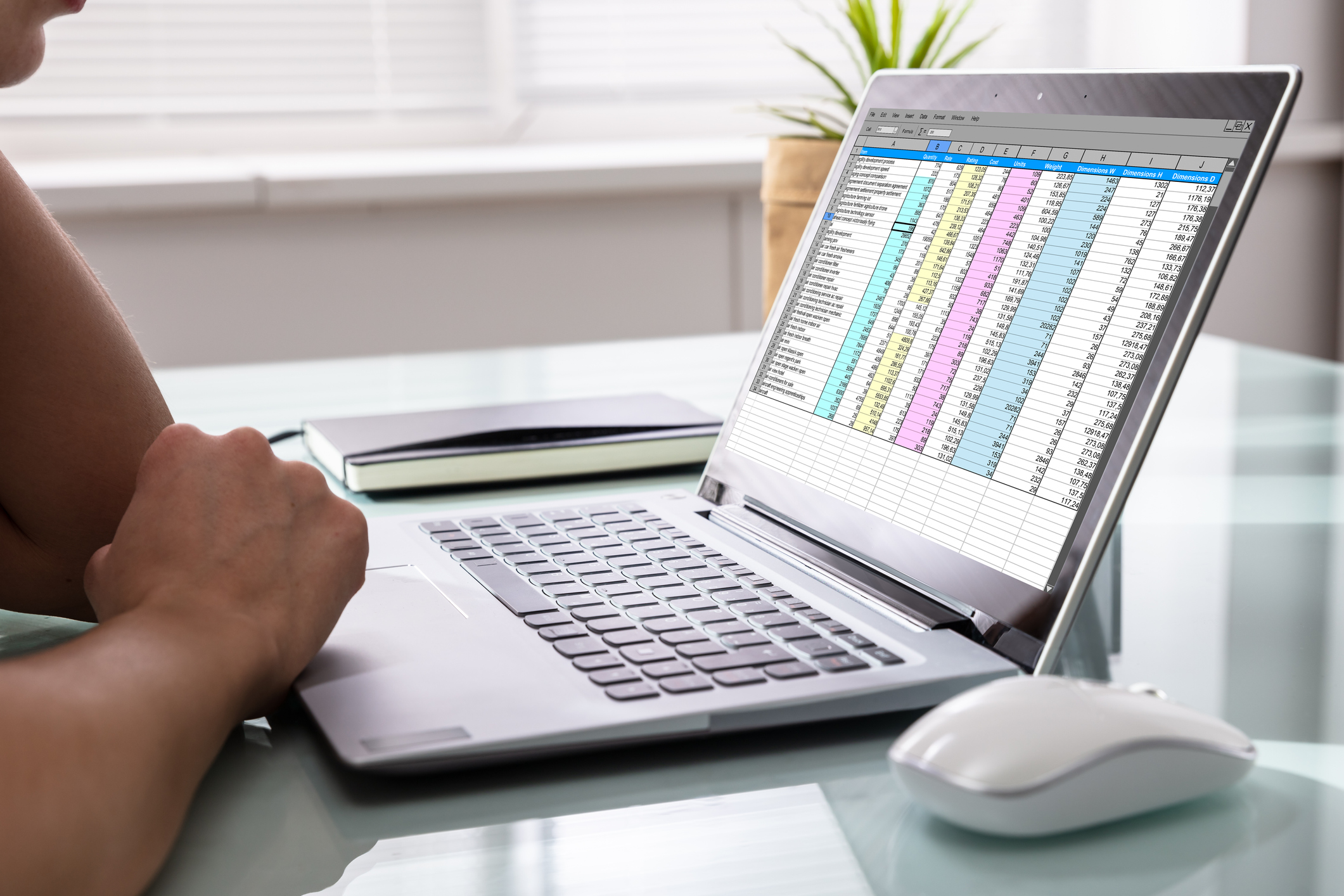
The pedagogy is based on short video lessons, averaging three minutes each, with accompanying practice files and concluding knowledge tests. After completing this course, you will have a fundamental understanding of Excel's various functionalities. You will be able to use functions to solve complex problems and calculations, quickly generate reports and visualizations using various tools, and easily manage large datasets in Excel. The course also includes educational practice and exercise files where you can apply what you have learned in practical scenarios.
The goal of the course is to quickly make you a comfortable and efficient user of Excel, and to make Excel a natural tool in your work. You will learn functionalities and commands that help you save time and achieve higher quality in your work.
After the course, Excel will be a natural tool in your work. Among other things, you will have learned how to manage databases, create and use functions, and set up and work with a pivot table. See the course chapter names for more information.
The online course is a collaboration between FAR and Learnesy.
No prior knowledge is required to take this course.
The lessons are based on the latest version of Excel and will work well with all versions except for Excel for Mac 2013 and older versions.
This course is also available in Swedish: Excel Bas

You can choose three optional courses in Excel, BI and Analytics and only pay for two. The price will be automatically adjusted at checkout.
See all the courses you can choose from here.